PFTrack Tutorials
PFTrack Workflows, Step by Step
PFTrack tutorials provide step-by-step guidance for artists and operators learning camera tracking, matchmoving, and 3D reconstruction inside PFTrack. Each guide walks through a specific UI workflow, rom initial shot setup through solve refinement and export, using the same terminology and menu structure found in the software, so what you read maps directly to what you click. Whether you're onboarding a new tracking artist, refreshing your knowledge of a specific tool, or looking for a quick-start on a feature you haven't touched before, this hub is organized by task rather than theory. For conceptual background on why a technique works, see Production Pipeline Insights.

Tutorials
Adam Hawkes
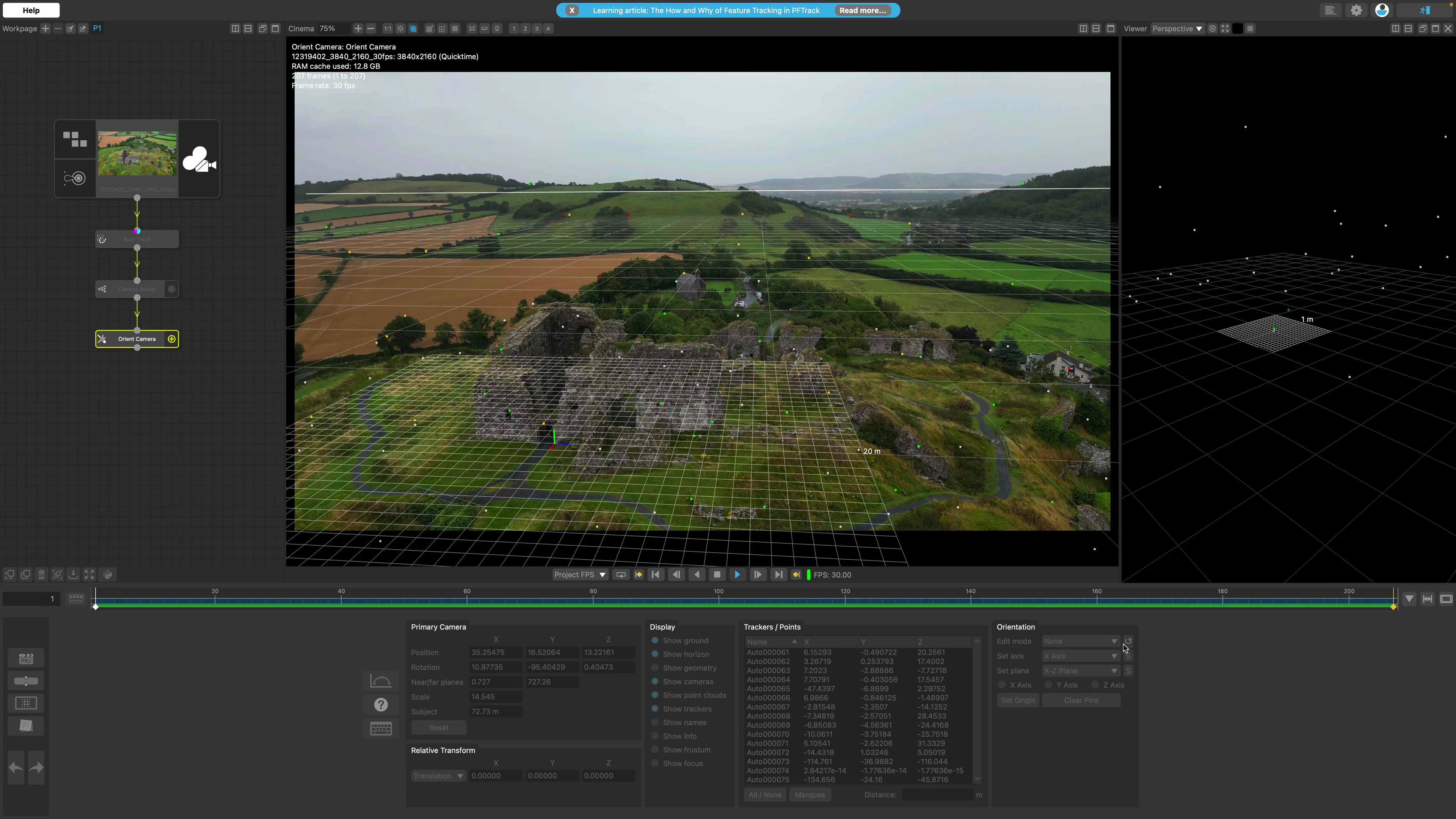
Learn Hero Cloud: PFTrack's Single-Shot Reconstruction Tool
The new Hero Cloud node in PFTrack Version 26.05.14 generates high-quality dense point clouds from a single tracked camera move, with no LiDAR or additional capture hardware required.
Tutorials
Adam Hawkes
Master Tracking & Solving with PFTrack Solo in 10 Minutes
New to PFTrack Solo? This 10 minute quick start guide takes you from project creation to 3D export. Master camera tracking, solving, and orienting with ease.
Tutorials
Adam Hawkes
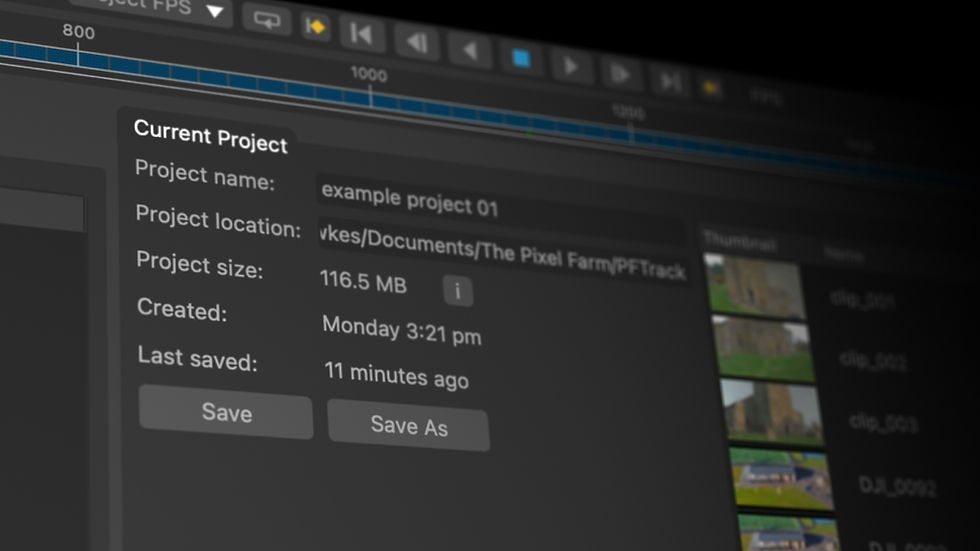
Tutorial 01 - Introduction to PFTrack & creating a project
Learn how to create your first project, import example clips, and get a brief tour of the UI.

Tutorials
Adam Hawkes
Tutorial 02 - The basics of tracking & solving a clip
Learn the basics of how to automatically track and solve an example clip to enhance your VFX skills.

Tutorials
Adam Hawkes
Tutorial 03 - Aligning the camera & exporting
In this video, we'll cover how to reorient your virtual camera, correctly scale your 3D scene, and export your completed 3D scene.

FAQ
Artists and operators learning camera tracking, matchmoving, and 3D reconstruction inside PFTrack — including new users onboarding and existing users refreshing their knowledge of a specific tool.
Each guide walks through a specific UI workflow, from initial shot setup through solve refinement and export, using the same terminology and menu structure as the software itself, organised by task rather than theory.
Tutorial 01 covers creating your first project, importing example clips, and a brief tour of the UI, followed by Tutorial 02 (basic tracking and solving) and Tutorial 03 (aligning the camera and exporting).
Yes — a 10-minute quick start guide takes new PFTrack Solo users from project creation through to 3D export, covering tracking, solving, and orienting.
A: Tutorial 04 takes a closer look at tracking and solving issues, with techniques for refining a solved camera.
Yes — it covers generating high-quality dense point clouds from a single tracked camera move using the Hero Cloud node introduced in PFTrack Version 26.05.14, with no LiDAR or additional capture hardware required.
Production Pipeline Insights covers the conceptual and optical-theory background; Tutorials focus on the practical UI steps.